

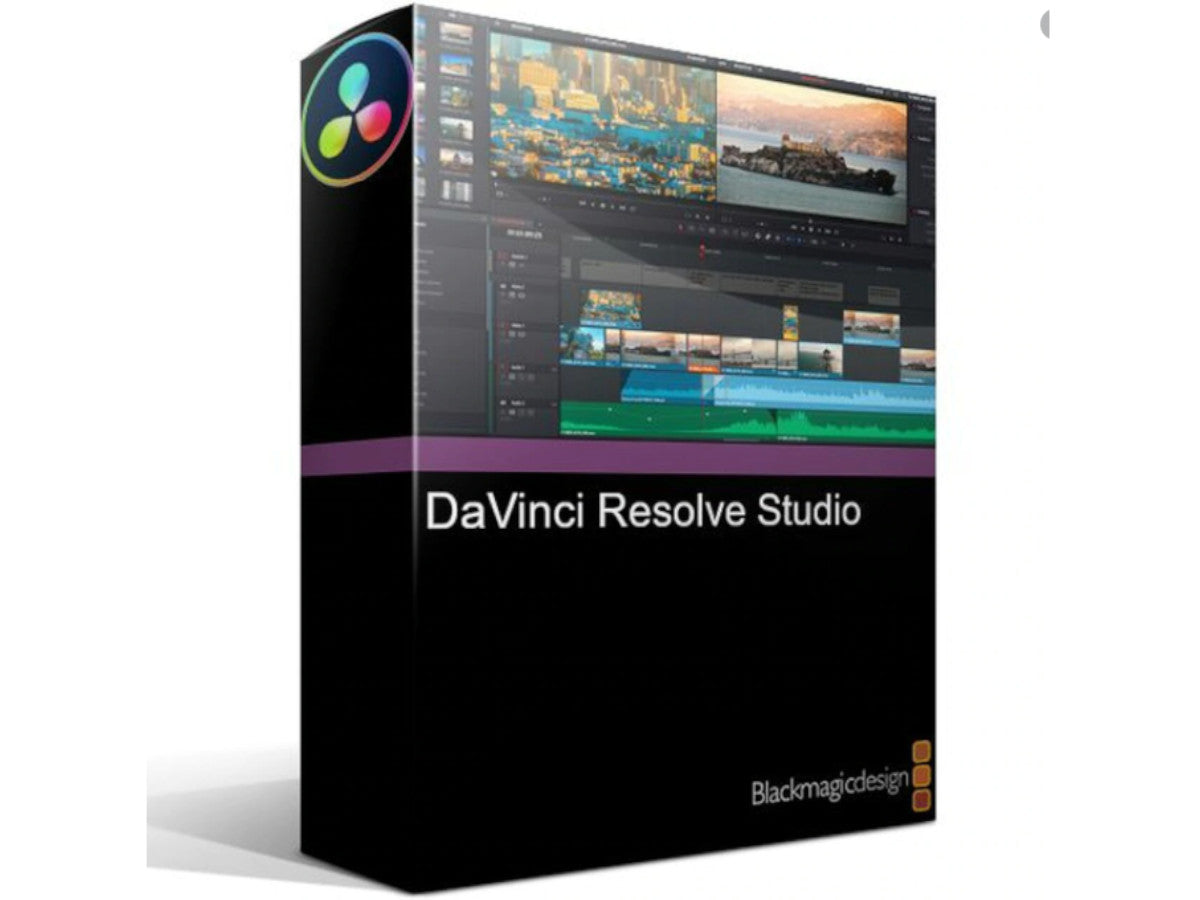
Blackmagic Design DaVinci Resolve Studio
Blackmagic Design DaVinci Resolve Studio
£234.00 GBP inc VAT
£234.00 GBP inc VAT
Couldn't load pickup availability
- Details
- Features
- Specifications
- What's Included
Originally designed for Hollywood’s elite colourists, DaVinci Resolve has been used on more feature films and TV shows than anything else because it lets you create images that are simply impossible with other tools. DaVinci is also the world’s fastest growing and most advanced editing software.
Now, with DaVinci Resolve 14, you get incredible new Fairlight audio tools specifically designed for film and television post production. It’s like getting 3 high end applications in one. All it takes is a single click to switch between editing, colour correcting, audio mastering and delivery. Best of all, if you’re collaborating on a team, you can all work on the same project at the same time. DaVinci Resolve 14 is a revolution in post production. Download it for free and try it today.
DaVinci Resolve 14 has hundreds of new features for editors, colourists and now, for the first time, audio professionals. The new playback engine dramatically increases responsiveness with up to 10x better performance for editors.
You also get a whole new page with the full Fairlight audio post production tools that let you record, edit, mix, sweeten and master sound with full 3D audio space and up to 1000 channels. Colourists will find amazing new filters that include automatic facial recognition and tracking for quickly smoothing skin tones, brightening eyes, changing lip colour and more.
Plus, DaVinci Resolve 14 features revolutionary new multi user collaboration tools such as bin locking, chat and timeline merging that allow editors, colourists, and sound editors to all work on the same project at the same time. All these new features make DaVinci Resolve 14 is the world’s most advanced post production software.
DaVinci Resolve Studio
Upgrade to DaVinci Resolve Studio for even more creative tools and options.
The free version of DaVinci Resolve has all of the professional editing, legendary colour correction and Fairlight audio tools you need for SD, HD and Ultra HD work at up to 60 frames per second. DaVinci Resolve Studio adds support for 4K and higher, along with frame rates up to 120 fps. It also includes dozens of additional image processing features and filters that are not in the free version. This includes film grain, temporal and spatial noise reduction, amazing new face enhancement tools, lens flares, lens distortion correction, optical quality blur and mist effects, match move, warping and much more.
New High Performance Playback Engine
Fly through edits and colour correction with up to 10x the performance.
DaVinci Resolve 14 features an incredible new video playback engine with CPU and GPU optimizations, fast 16-bit float playback, lower latency, faster UI refresh, support for Apple Metal, and more. These upgrades combine to make DaVinci Resolve faster and far more responsive than ever. Working on long timelines with thousands of clips is incredibly fluid and editing is even more precise. Scrubbing and playback are instant, often starting before you lift your fingers off the keyboard. Powerful acceleration for processor intensive formats, like H.264, makes it possible to edit 4K material on a laptop in realtime. Whether you’re working in HD or 4K, with ProRes, H.264 or even RAW images, DaVinci Resolve 14 is completely responsive and fast enough to keep up with your every move.
Legendary DaVinci Quality
Unique YRGB 32-bit float image processing
DaVinci Resolve’s Emmy award-winning image processing technology features deep 32-bit float processing combined with unique, patented YRGB colour science that processes luminance independent of colour. This allows you to adjust the luminance of video without rebalancing the colour of your highlights, midtones, or shadows. The massive internal colour space is perfect for the latest HDR and wide colour gamut workflows, and lets you generate looks that are simply impossible to create on other systems.
Hardware Control Panels
Work faster, be more creative and get absolute control.
When you have a client looking over your shoulder you need to work fast. DaVinci Resolve control panels are designed to give you fluid, hands-on control over multiple parameters at the same time, allowing you to create looks that are simply impossible with a standard mouse. All controls are logically placed near your natural hand positions and are made out of the highest quality materials. You get smooth, high resolution weighted trackballs, along with precision engineered knobs and dials that feature the perfect amount of resistance so you can accurately adjust any setting. DaVinci Resolve control panels let you instinctively touch every part of the image.
Fairlight Professional Consoles
Modular and upgradable desktop or free standing consoles.
Fairlight mixing consoles provide high quality tactile controls for nearly every parameter and feature in the software. Unique user interfaces and fast to use buttons and controls allow quick mapping of the console keys into a configuration that is optimized for the task at hand, allowing you to work faster with Fairlight audio than any other tool in the world. Desktop and free standing consoles are available in a variety of configurations to meet the needs of your facility.
Mac, Windows and Linux
The only post production solution that runs on all popular platforms.
DaVinci Resolve runs on all major platforms so you can use it at home or in a post facility on a Mac, at a broadcast facility running Windows, or a VFX studio on Linux. This gives you the freedom to use the platform of your choice, making it easy to integrate with your existing systems and workflows. If you’re running Red Hat or CentOS Linux, you can even build your own workstation using low cost motherboards, extremely fast processors, massive amounts of RAM and up to 8 GPUs. Imagine building your own super computer for incredible real time performance.
Open and Compatible
The world’s most compatible post production solution.
With all of the different workflows and systems out there, you need a post production solution that’s compatible and open enough to handle anything. DaVinci Resolve has been designed to work with all major file formats, media types, and post production software. You can use XML, EDLs, or AAF to move projects between DaVinci Resolve, Final Cut Pro, Avid Media Composer, and Premiere Pro. Deep integration with Fusion makes it easy to send shots out for VFX work, or you can roundtrip with software such as After Effects. For audio, projects can easily be moved between DaVinci Resolve and ProTools. When you’re on a tight deadline, you can count on DaVinci Resolve to “just work.”
Creative Editing
Familiar multi track timeline with quick edit pop-up, seven different types of edits, customizable keyboard shortcuts and more.
Advanced Trimming
Context sensitive trimming to ripple, roll, slip or slide based on the mouse position so you don’t have to switch tools.
Multicam Editing
Full multi camera editing with realtime 2, 4, 9 or 16 camera playback views for cutting shows on the fly.
Speed Effects
Quickly create constant or variable speed changes, complete with ramps and editable curves.
Timeline Curve Editor
Animate and add keyframes for virtually any parameter using the inspector or the timeline based curve editor.
Transitions and Effects
Quickly add transitions and filters from the built in library, or add 3rd party plug ins to create incredible effects.
Finishing
Powerful tools, including the new position lock, that make conforming and finishing projects for final delivery faster than ever before.
Colour Correction
DaVinci Resolve has been used on more feature films and television shows than any other grading system. You get the industry’s most powerful primary and secondary correction tools, advanced curve editor, tracking and stabilization, noise reduction and grain tools, Resolve FX and more.
Legendary Quality
Patented YRGB colour science and 32-bit float image processing lets you achieve looks that are simply impossible with other software.
Primary Correction
Traditional primary colour wheels along with 12 advanced primary controls for quickly adjusting temperature, tint, mid-tone detail, and more.
Curve Editors
Quickly sculpt contrast along various highlight and shadow areas of an image with separate curves and soft clipping for each channel.
Secondaries
Isolate and track different parts of an image using HSL qualifiers, keyers and basic or custom rotoscope shapes so you can make targeted corrections.
High Dynamic Range (HDR)
Work in wide latitude and wide colour formats such as Dolby Vision, Hybrid Log Gamma, and more.
Broad Format Support
Work natively with camera original RAW files and virtually every other format for total control over your images at the highest quality possible.
Fairlight Audio
New professional tools for audio post production. DaVinci Resolve now includes fully featured Fairlight audio in the same software you use for editing and colour correction. You get high end mixing for up to 1,000 channels in real time, plus support for massive Fairlight audio consoles. It’s a true end to end workflow that supports recording and ADR, sound editing, sound effects, sweetening and mixing. You can even mix down and master to multiple formats, including 3D audio space formats such as 5.1, 7.1 and even 22.2.
Up to 1,000 Tracks
Create up to 1,000 audio tracks with 8 main, sub and aux outputs. Add Fairlight Audio Accelerator zero latency realtime performance.
Equalization and Dynamics
Get real time 6 band equalization, along with expander/gate, compressor and limiter dynamics on every single track.
Editing and Automation
Edit clips at up to 192kHz and 24-bit with automation for adjusting fade, levels and more, all the way down to individual audio samples.
Mixing
Full professional mixer with input selection, effects, insert, EQ and dynamic graphs, output selection, aux, pan, main and submix selections, and more.
Plug In Effects
Add 3rd party VST plug ins for even more creative options. You can get real time processing performance for up to 6 plug ins per track.
Mastering
All the tools you need for mastering. Deliver anything from mono up to stereo, 5.1, 7.1, Dolby and even 22.2, complete with full 3D panning.
| Compatible Operating Systems | Mac |
| Linux | |
| Windows |
- 1x DaVinci Resolve 14 Editing and Colour Correction Software